Restaurant Orders via WhatsApp: How We Make It Effortless for Your Guests
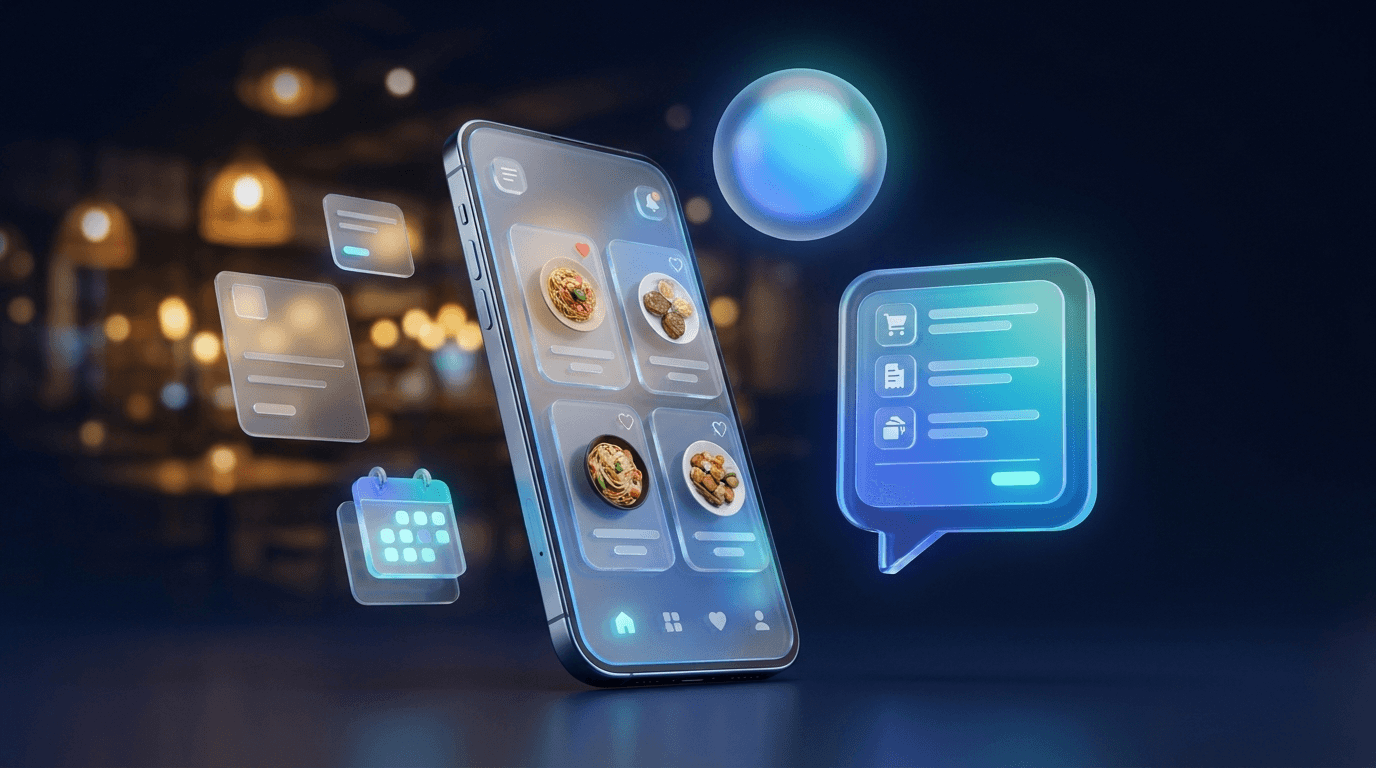
For many restaurants, online ordering is a headache: delivery platforms take steep commissions, nobody wants to install yet another app, and phone orders get lost during the rush. There's an easier way — built on a tool every guest already uses: WhatsApp.
How your guests experience it
The whole flow takes under a minute:
- Open the menu — the guest scans a QR code at the table or taps the link in your Instagram profile.
- Choose dishes — a beautiful digital menu with photos, prices and extras. Tap, pick a quantity, done.
- Send the order — one tap opens the complete order as a neatly formatted message in WhatsApp.
- Send — the guest sends it to your restaurant. You receive everything at a glance: dishes, quantities, table or pickup time, and name.
No app install, no new account, no friction. The guest simply uses the messenger they already have open all day.
What you gain as a business
- No platform commissions — the order goes directly between you and the guest.
- No missed orders — everything arrives in writing and complete, even when no one can pick up the phone.
- Fewer mistakes — no more mishearing names, dishes or special requests.
- A direct line to the guest — you can ask a question, share the status, or send an offer next time.
Works for table reservations too
The same idea works for bookings: the guest picks a date, time and party size, and you get the request as a message — or an AI assistant confirms available tables automatically.
And the best part: it matches your restaurant
The digital menu carries your logo, your colors and your photos. It feels like part of your venue — not like a third-party delivery app.
These are exactly the kinds of solutions we build for restaurants in Germany — quick to set up and easy to maintain. Book a free consultation and we'll show you, using your own menu, what it would look like.
Insights
Book Free Consultation